

All about game development
Spicy Yoghurt is a small game studio. Learn how to make your own game in JavaScript and HTML5 with our free tutorials, full of live examples. Or take a break with our casual game Pixi Pop. And while you're here, check out our free browser tools.
Currently, Spicy Yoghurt is fueled solely by spare time and coffee, so every bit of support is appreciated. Please help keep this studio going by playing and sharing!
Casual games

Create your own HTML5 game
Learn how to create a game in HTML5 and JavaScript with this tutorial series. Start with a blank canvas and work through the core principles of game development.
Get started!Use our free tools
Handy helpers for your animations, your files and your to-do list.
Highlighted projects
Simulate a flock of birds
In JavaScript, step by step

Free pen brushes for Affinity Designer
Available for download
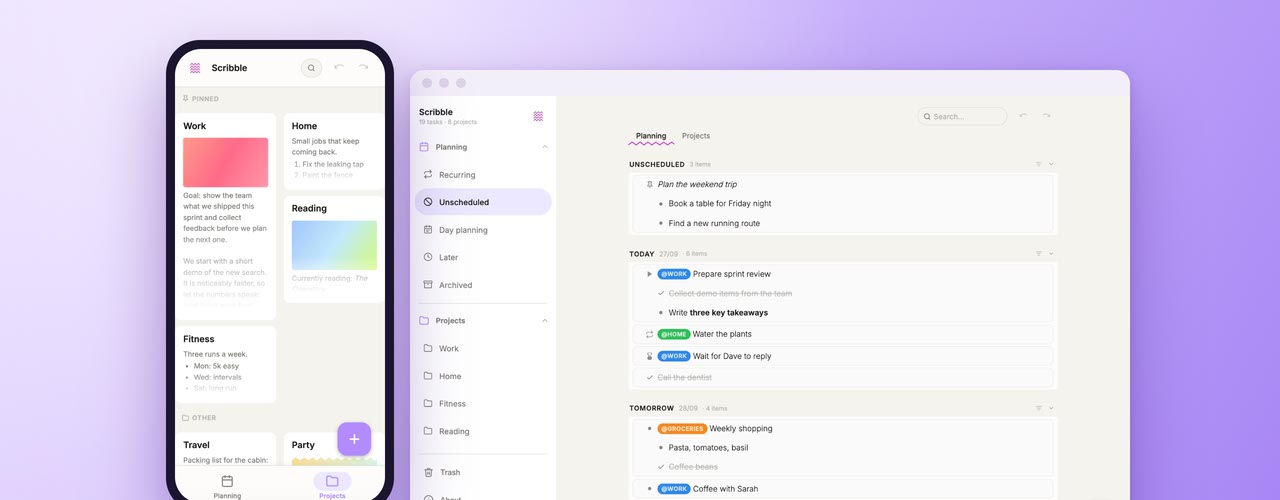
Scribble
Free to-do list and notes app
Easing functions
For JavaScript and CSS
Create life on the canvas
With Conway's Game of Life
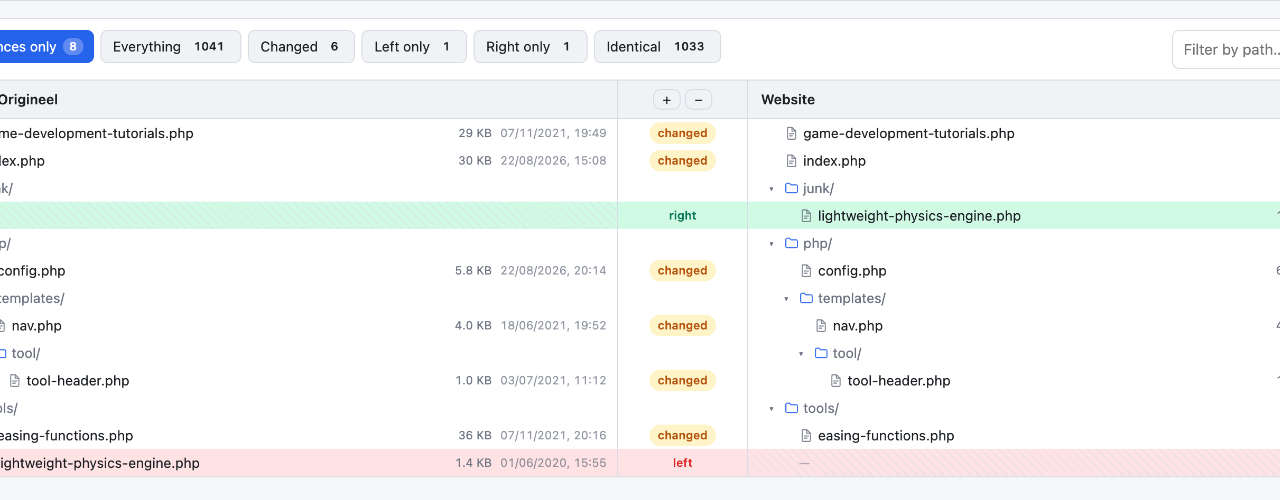
Folder Compare
Spot the differences between folders

Finish and publish your HTML5 game
Learn how to publish your HTML5 game on the web, on game portals, in the app stores and on Steam. But first, look back at the bee game you've built in this tutorial series and play a more polished version of it.

Add sound effects and music
Learn how to add sound effects and music to your JavaScript game with the Web Audio API. Play several sounds at once, control their volume and panning, make a sound a little different every time it plays and create your own sound effects in code. By the end of this tutorial, the bee game from this series will have sound effects and its own music.

Simulate a flock of birds with boids in JavaScript
Simulate a flock of birds in JavaScript with the boids algorithm. Code the three rules of flocking one by one, with a live demo for each step. Then add obstacles and a predator, and give the boids a field of view. By the end of this tutorial, you'll have a flock of thousands of boids running smoothly in your browser.

How to make an HTML5 game
Learn how to make an HTML5 game with JavaScript, step by step and for free. Find out how a browser game works, what you need to get started and when a game engine helps. Then follow the series and build each part of your own game.

Manage game states with a simple state machine
Learn how to add game states to your JavaScript game, from the start screen to game over. Build a simple state machine without a game engine, pause the game and restart it cleanly. By the end of this tutorial, you'll have a real game with a score, lives and a high score to beat.

Build game controls for keyboard, mouse and touch
Learn how to add keyboard, mouse and touch controls to your JavaScript game. Move a player smoothly with the arrow keys or WASD, drag objects with pointer events and build a virtual joystick for phones. By the end of this tutorial, you'll be flying your own bee through a swarm of other bees.

Create Conway's Game of Life in JavaScript
Create Conway's Game of Life in JavaScript on the HTML5 canvas. Learn the rules, check which cells live or die each generation and draw your own cells with the mouse. Load famous patterns like the glider gun, and get the complete code in a single HTML file.

Set up an HTML5 canvas game
Set up an HTML5 canvas for your game with JavaScript. Learn how to scale the canvas to fit any screen, without blurry graphics. By the end of this tutorial, you'll have a canvas template to start every game with, and your first graphics on the screen.

Generate random numbers in JavaScript
Generate random numbers in JavaScript with Math.random(). Get a random integer between two numbers, a random boolean or a random item from an array. Build your own random number generator, shuffle an array, give rare loot a small chance and get the same random numbers again with a seed.

Our game development tutorials got a big update
We've reworked all our game development tutorials, and together they now have more than 100 live examples to play with. Tweak an example and watch its code change along with it, or write your own code in a playground and see the result right away. Our easing tool and the homepage got a makeover too.
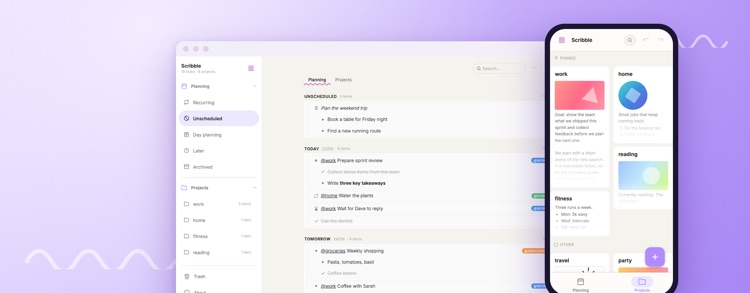
Meet Scribble, our free to-do list and notes app
Meet Scribble, a free to-do list and notes app by Spicy Yoghurt. Plan your days and keep notes for your projects, on your computer or on your phone. There's no account to create, and everything you write stays on your own device.
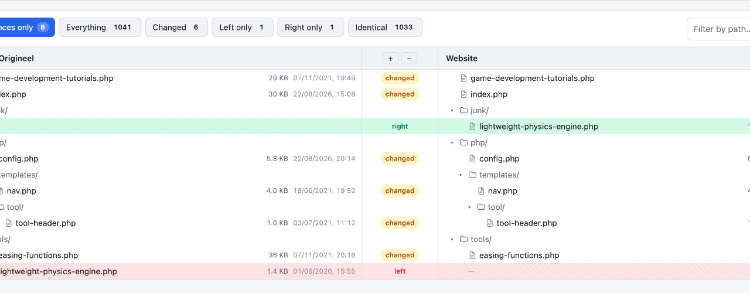
Compare folders and files right in your browser
Spicy Yoghurt has a new free tool: Folder Compare. Point it at two folders and see right away which files were added, changed or removed. Everything runs inside your browser, so none of your files ever leave your computer.

Pixi Pop is now playable in your browser
Pixi Pop has been ported to the web! This classic Spicy Yoghurt game is now playable straight from your browser. No app store needed. Just open a tab and start popping.

Free download: new pen brushes for Affinity Designer
Spicy Yoghurt has released its first brush pack for Affinity Designer. And the good news is, it's available as a free download. With these pen brushes, you can draw on a digital canvas just like you would with a real pen. Try them out now!

Hello Affinity Designer, goodbye Inkscape?
Not too long ago Spicy Yoghurt wrote about the good and the bad of the Inkscape v1.0 beta version. The open-source vector drawing software is now out of beta and officially released to the public. It made decent progress, but was it enough to stay our favorite drawing software?
Pixi Pop 1.2 update - Good news for new players
Pixi Pop version 1.2 is out! This new update brings interface changes to make the game more fun and easier to use. Check out this article to find out what's new.